Notify
Upload, store and view all your warranties in one place so you never have to lose them again.
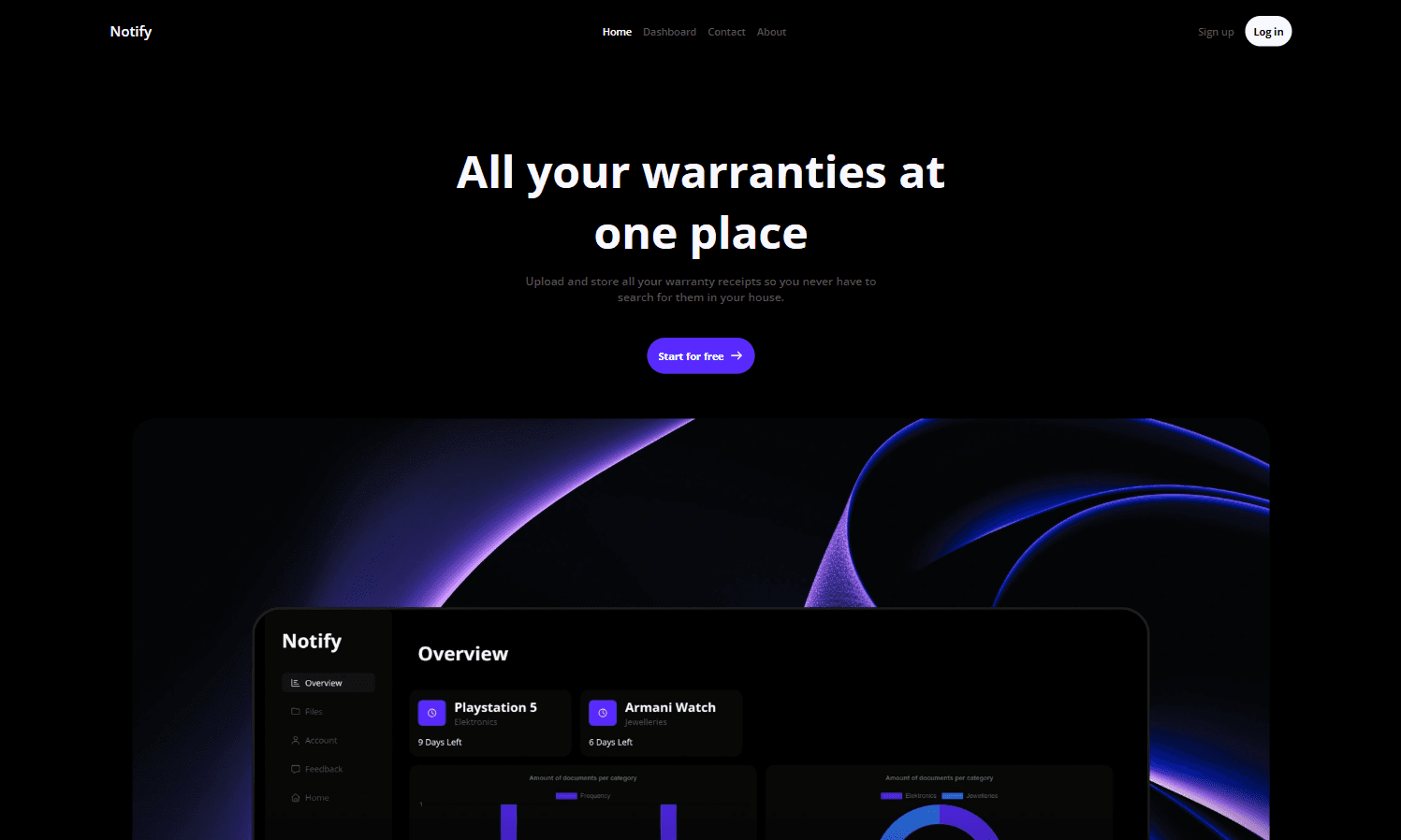
The purpose of Notify
Notify makes it possible to store your warranty receipts online and track which warranties are expired and which warranties are about to expire in how many days.
What does it solve
This purpose of Notify as described above prevents the situation where you are searching for that one receipt when you actually need it.
How I was involved in this project
During the development of this project I was responsible for designing and implementing the front-end. This involves creating a modern UI, optimalizing UX and handle security concerns like form validation. Also, I've created the backend of Notify. This involves the authentication mechanism which is responsible for signup, email-verification, login, password-reset and credential changes. Besides authentication, I have also created REST APIs for CRUD-operations to upload, view, update or delete warranties. On top of that, I was also responsible for designing the relational database.
Techstack that I've used
For the front-end I've used React and Typescript because React makes it possible to create reuseable functional components and Typescript prevents runtime errors by type-checking thus compensating for Javascript's naive nature. For the backend I've used Node.js in combination with Express.js. This because Express.js makes it possible to create seperate routes for each service leading to a more readable and abstracted backend. This also improves the scalability of the app. Furthermore, I've used Node.js for small utility functions (e.g a cookie parser) to get a better understanding and hands-on experience about core concepts in backend development since Node.js doesn't include much high-level functions that abstract away processes under the hood. I also used pg myAdmin to let my backend talk to my database because the syntax is similiar to basic SQL which helped me gain muscle-memory for basic CRUD-SQL-commands. However, for furture projects I might use Prisma as ORM because Prisma has a type-checking mechanism which prevents runtime-errors. I predict this change will contribute to a higher UX and more stable REST APIs. Though, the type-checking overhead introduces extra overhead-time which is something to consider given the purpose of future projects.
The architecture of Notify
Notify's front-end is deployed on Hostinger and the backend on Render. Furthermore, I use Supabase as database because it incorporates different APIs that improve the scalability of Notify (e.g. alternative authentication methods). Also, I use Resend to send and receive emails.
core features
As mentioned above, you can upload, change and delete warranties on your account. Also, Notify includes a personal dashboard where you can see which warranties are about to expire, which warranties already have been expired as well as the upload date of the warranty and a button which lets you view the PDF of the uploaded warranty. On top of that, you will receive an email when a warranty is about to expire.
lessons I've learned
During the production phase of this project I gained more experience with CORS. I was already familiar with the basic settings that allow you to specify the allowed origin and allowed request types and I thought that was enough to deal with all potential CORS errors. However, it turned out my cookie-based authentication system didn't work anymore during production while during development it worked perfectly. After some debugging, I realised that browsers usually silent drop third-party cookies. This affected my authentication system because the backend is being hosted on another domain that my personal domain. I fixed this issue by creating a seperate subdomain for the backend that belongs to the same root domain as the frontend. Then, I created a CNAME record that directs all requests from this subdomain to Render's domain where the actual backend is hosted.